Live flight status
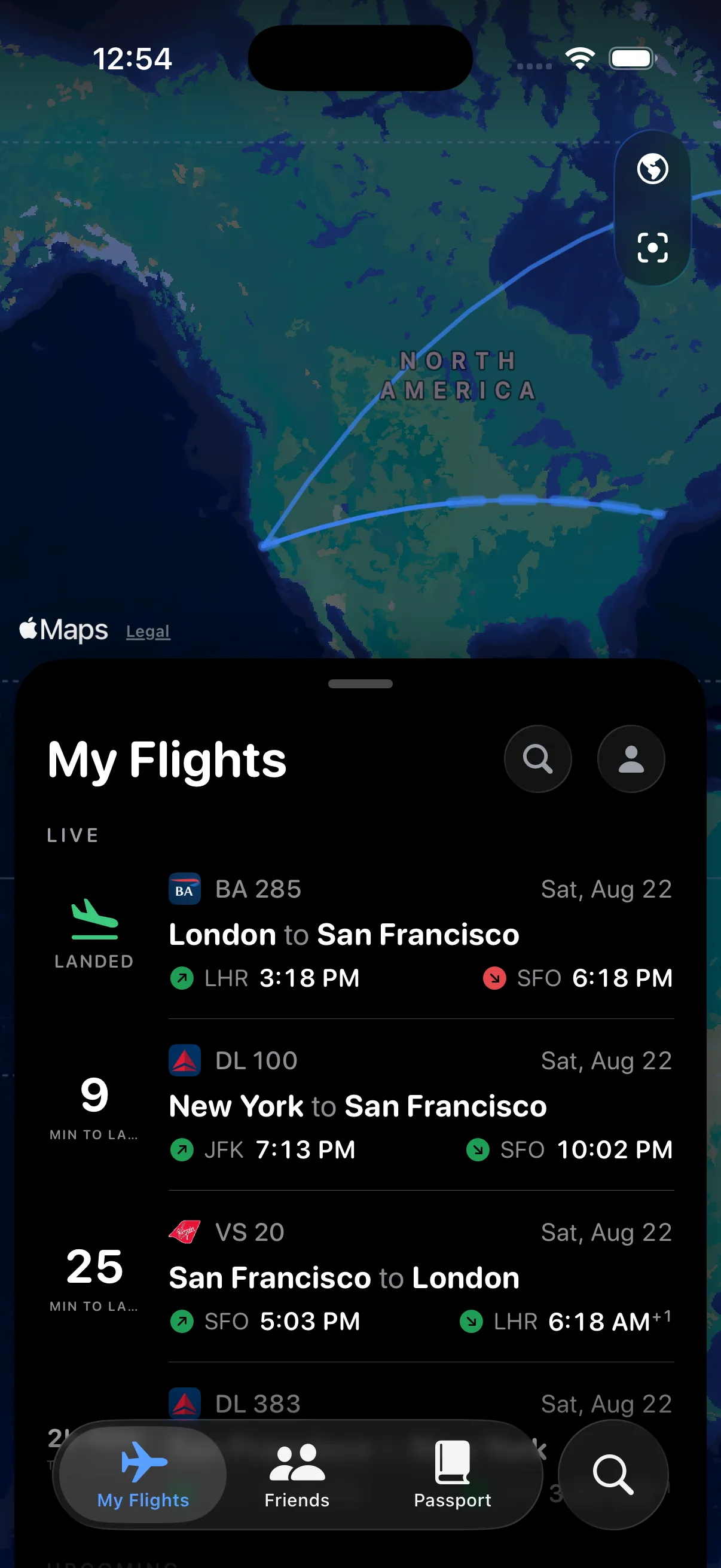
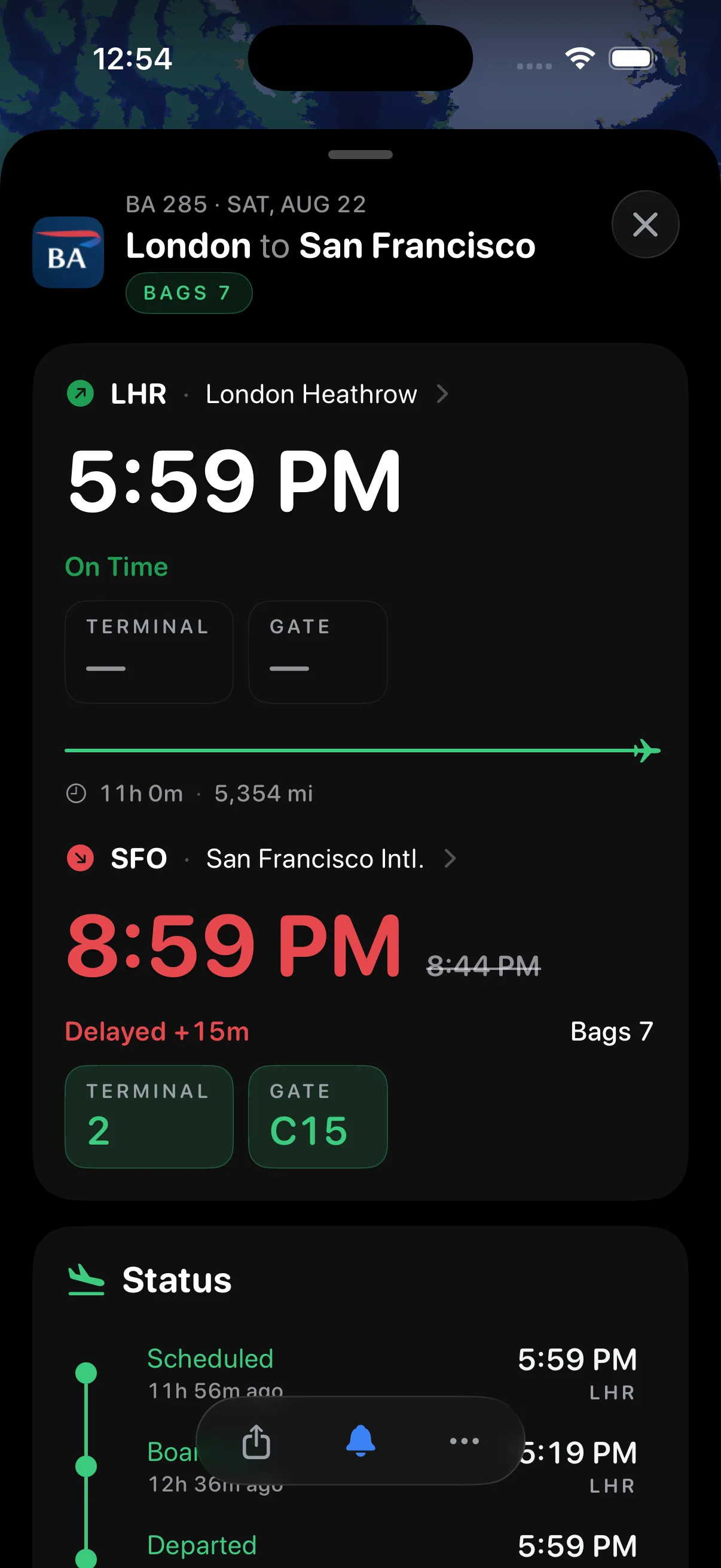
See gate updates, delays, timing, baggage, weather, and progress without hunting through an itinerary.
 Flyte
FlyteTrack live flight status, gate updates, delays, baggage, weather, and progress across iPhone, Dynamic Island, Lock Screen, and Apple Watch—free to download.
One calm place
See gate updates, delays, timing, baggage, weather, and progress without hunting through an itinerary.
Your live flight tracker follows you to the Lock Screen, Dynamic Island, Apple Watch, and Watch complications.
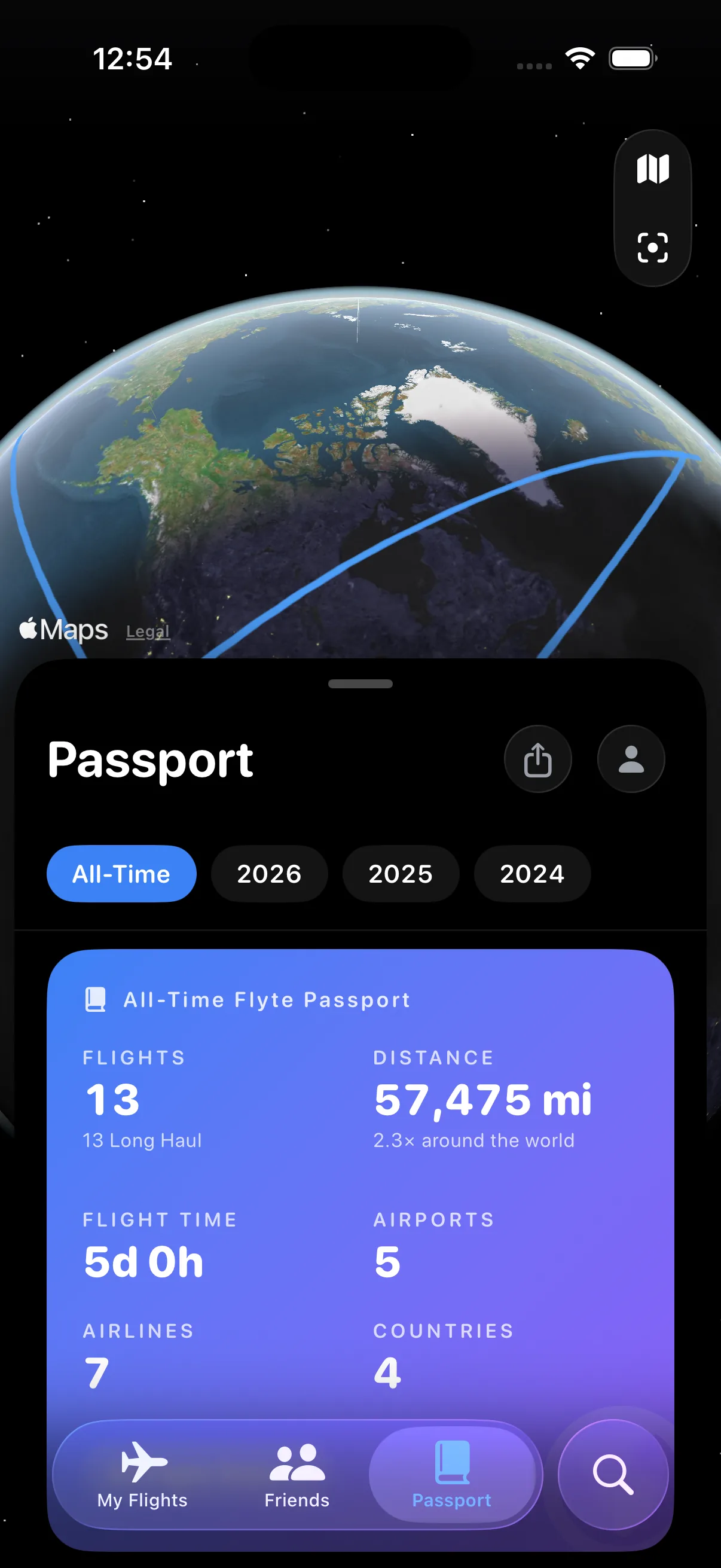
Turn completed flights into a private Passport of places, distance, aircraft, and memories.
Inside Flyte
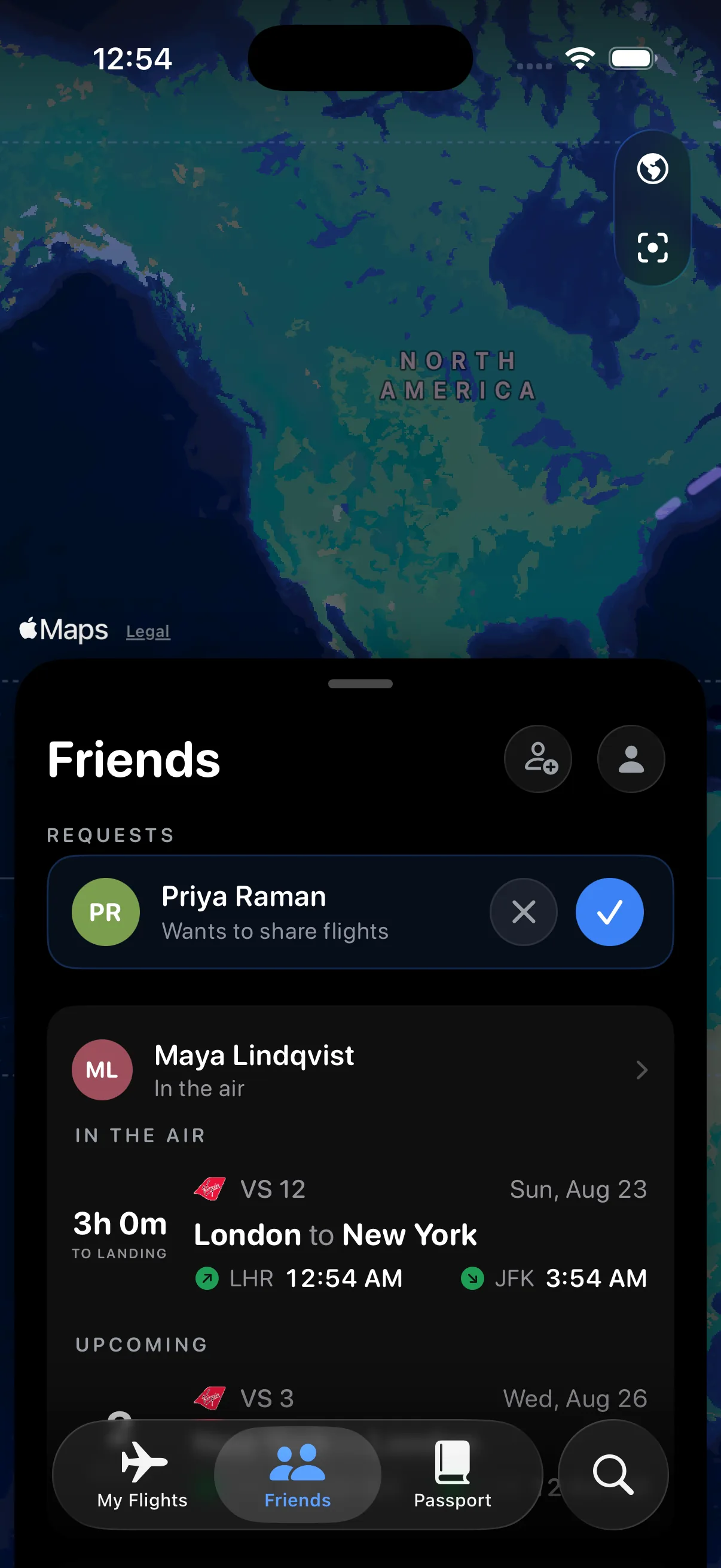
Every surface changes with your flight. These are genuine Flyte screens captured on iOS 26.5, including its Liquid Glass controls.
Always within reach
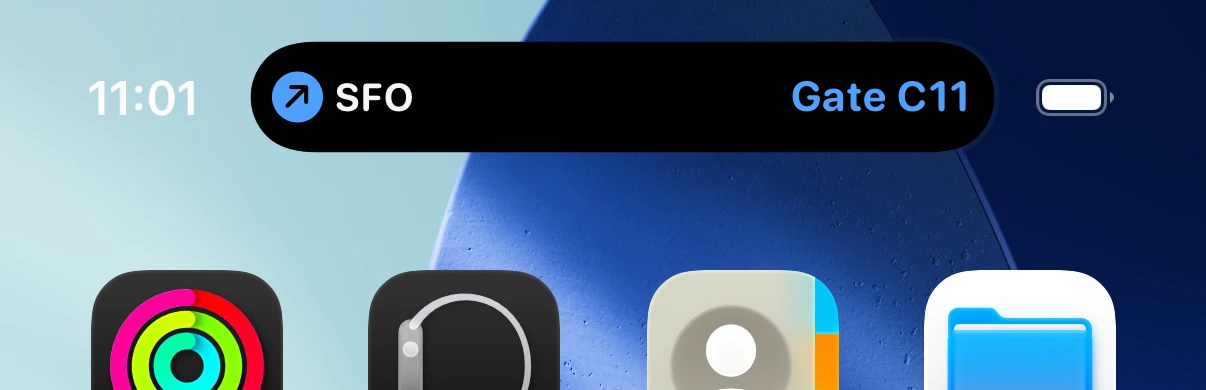
Start one Live Activity and Flyte keeps the essentials in the Dynamic Island, on the Lock Screen, and in the Apple Watch Smart Stack—even when the app is closed.
Phase aware
Flyte advances stale schedules through boarding, departure, arrival, and terminal states so an expired countdown never becomes the truth.
Apple Watch
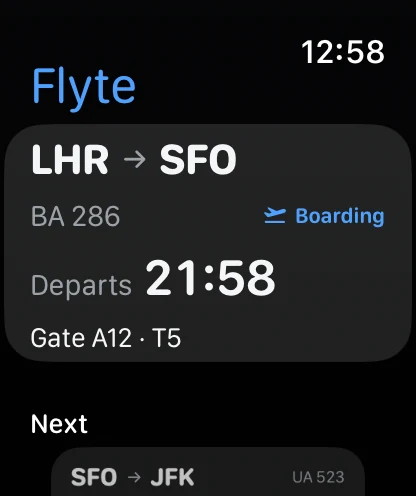
Get the relevant flight status and timing on your Apple Watch and complication.
Easy in
Search by flight or route, scan a boarding pass, paste its text, or find flights in calendars you choose.
Private sharing
Choose who sees your flights and which flights they can see. Privacy is enforced by the backend—not just hidden by the interface.
How Flyte protects your tripFlyte is available free on the App Store for iPhone, with its companion Apple Watch app included.
Yes. Flyte is free to download and use. Eligible iPhone screens may show clearly labelled contextual ads; Flyte does not use your flights or profile to target them, and ads never appear on Apple Watch, widgets, or Live Activities.
Yes. Local guest mode keeps flights on your device. Live tracking can also begin with a protected anonymous service identity, and signing in later makes your board recoverable.
Flyte combines operational data from external flight, aircraft-position, airport-weather, and airline-image providers. Always confirm time-critical details with the airline or airport.
Ready when you are
Flyte is free to download now for iPhone, with its companion Apple Watch app included.
Download on theApp Store